
What Is a San Luis Obispo County Docket
A docket is the court's running log of a case. Each line shows one event. The line names the filing party, the document title, and the date. The full case file holds the real papers. The docket just points to them. In SLO County, the Superior Court calls its docket the register of actions. The two terms mean the same thing in day-to-day use.
San Luis Obispo County has one Superior Court. There is no district court, no county court at law, and no stand-alone probate or family court. Probate and family are divisions of the same trial court. So all docket data flows through one case management system. Federal cases sit outside that data. Federal civil and criminal dockets live on PACER. Bankruptcy dockets live on the Central District of California system. That split matters when you search.
Find San Luis Obispo County Dockets Online
The court uses re:SearchCA. It is hosted by Tyler Technologies. The portal launched on January 4, 2024. SLO County was the first county in California to roll it out. The portal page sits at slo.courts.ca.gov/online-services/online-case-lookup. The direct search tool is at researchca.tylerhost.net.
- Open the re:SearchCA portal page on the court site.
- Click through to the Tyler-hosted search site. Pick the public search path, not the Attorney Portal.
- Register or sign in. The court asks for an eFileCalifornia or re:SearchCA account for remote use.
- Pick San Luis Obispo as the court. The system lets you filter by case type.
- Enter a name, case number, or filing date range. Then submit.
- Open a case to view the docket entries and any public documents.
No account? Use a courthouse kiosk. Kiosks at all three SLO branches show more documents than the remote view. Criminal, family law, and domestic violence files often appear only on kiosks. That rule comes from California Rule of Court 2.503. See the broader San Luis Obispo County court records page for the full access map.
Sample San Luis Obispo County Docket Entry
Each docket line breaks into a few short fields. The court pulls these from its case management system. Some lines link to a PDF. Others just log what staff did at the clerk counter. The table below shows the fields you will see when you open a SLO County case on re:SearchCA.
| Field | What It Shows |
|---|---|
| Entry Date | Date the clerk logged the event. Not always the date the paper was filed. |
| Event Type | Short tag such as Filed, Hearing Set, Order, Minute Order, Notice, Continued. |
| Party Filing | Name of the party or court office that brought the paper. |
| Document Link | PDF icon for public docs. Restricted docs show no link from a remote browser. |
| Hearing Date | Date and time set for the next court event, when one is on the calendar. |
| Department / Judge | Courtroom and bench officer. May say Dept 1 through Dept 9, plus Grover Beach and Paso Robles rooms. |
| Disposition | End status for that event or for the case as a whole. |
San Luis Obispo County Search Field Guide
re:SearchCA does not show all of its search fields before sign-in. Most public searches use a small set of inputs. The list below maps the common fields to the docket data they pull.
- Court: pick San Luis Obispo Superior Court. The system covers many counties.
- Case Number: most reliable input. SLO booking-log style numbers look like 23M-05341.
- Party Name: last name first. Add middle initial to cut down on hits.
- Case Type: civil, criminal, family, probate, small claims, traffic, unlawful detainer.
- Filing Date Range: start and end date for new filings.
- Hearing Date Range: pulls cases with hearings set in a window.
- Department: filter by courtroom or branch when known.
The court warns of a known issue on its portal page. The notice flags possible missing data on some cases. Cross-check by case number when results look short. For records that pre-date re:SearchCA, ask the clerk. The court counter at 1050 Monterey Street can pull the paper file or the legacy electronic file.
San Luis Obispo Courts That Post Dockets
Only one state trial court runs in SLO County. Three branches feed it. Two federal courts cover the county for federal work. Each posts dockets through its own system. Names and use are below.
- Superior Court of California, County of San Luis Obispo: civil, criminal, family, probate, juvenile, traffic, small claims. Dockets on re:SearchCA.
- Grover Beach Branch, 214 South 16th Street: south county hearings, same docket system.
- Paso Robles Branch, 901 Park Street: north county hearings, same docket system.
- U.S. District Court for the Central District of California: federal civil and criminal. Dockets on PACER.
- U.S. Bankruptcy Court, Central District of California, Northern Division (Santa Barbara): bankruptcy dockets on PACER and the court site.
- Ninth Circuit Court of Appeals: federal appellate dockets on PACER.
- California Court of Appeal, Second District, Division Six (Ventura): state appeals from SLO County, docket on the state appellate site.
Federal court dockets here. Lead-in to the Central District site for civil and criminal filings.
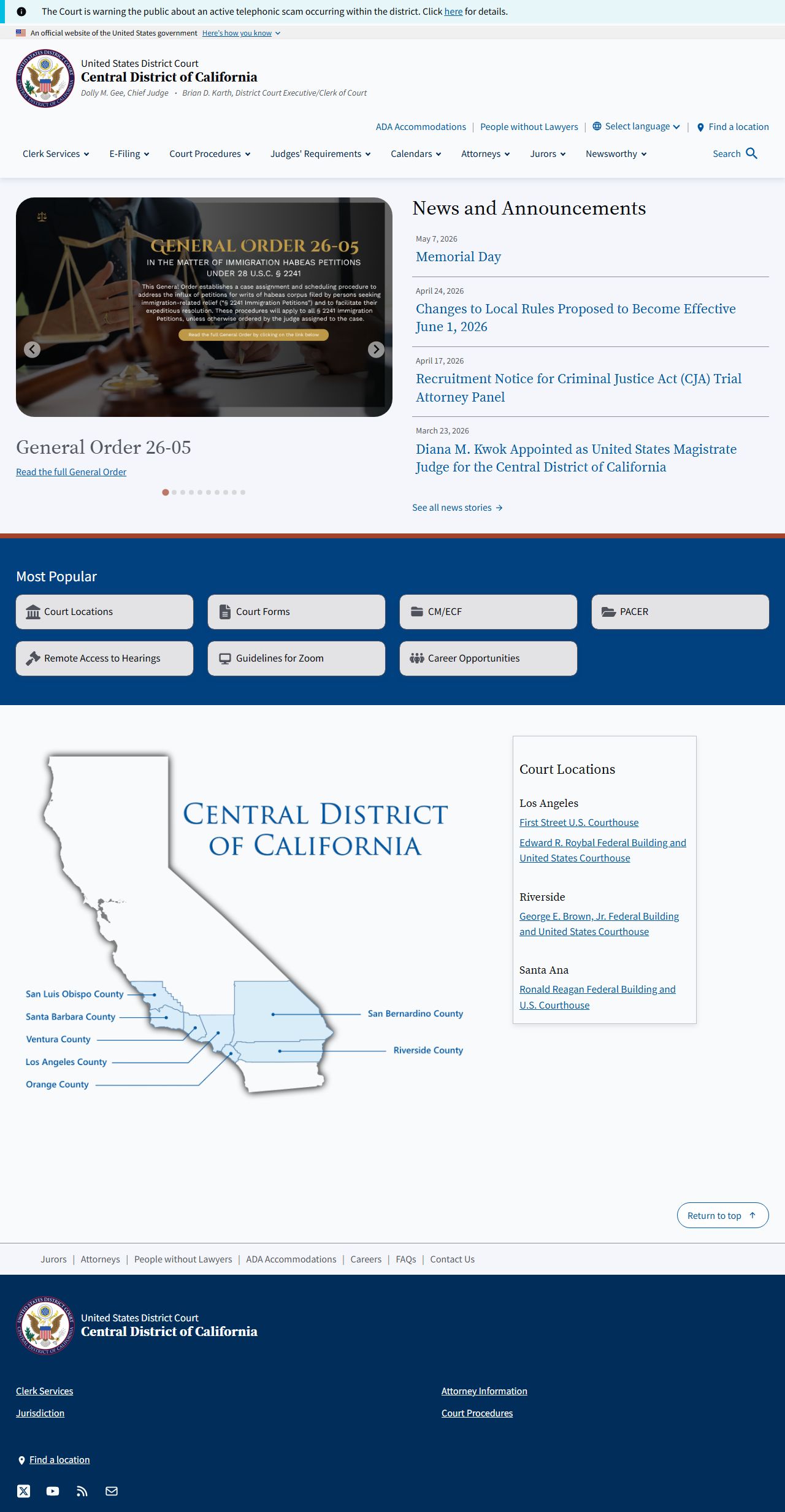
The Central District site links to PACER for the full docket text. Source: cacd.uscourts.gov.
Docket vs. Full Case Record
The docket is a short list. The case file is the long form. The docket tells you what happened and when. The case file holds the paper that proves it. A motion line on a docket points to a PDF, which is the full motion. A judgment line points to a signed order. Both layers matter for a real review.
| Docket | Full Case Record | |
|---|---|---|
| Format | Short list of dated entries | Full PDFs, paper exhibits, minute orders |
| Access | Online and free via re:SearchCA | $0.50 per page; $15 search fee if staff time exceeds 10 minutes |
| Use | Track case progress, set reminders | Legal review, exhibits, appeals |
| Where | re:SearchCA portal, anywhere | Court counter, mail request, or kiosk |
| Restrictions | Index data subject to CRC 2.503 | Some files sealed under CRC 2.550 |
The court's copy desk sits at 1035 Palm Street, Room 385, San Luis Obispo. Mail a Copy Request Form with a stamped self-addressed envelope. Call (805) 706-3600 to check status. See the Clerk of the Superior Court page for the full mail and fee setup.
How to Read a San Luis Obispo County Docket
Start at the top of the page. The header gives the case number, the case title, the case type, and the filing date. The list below it runs in date order. Each line shows the event type, the party who filed, and a link to a document when one is public.
Scan for short codes. They cut work fast. ROA means register of actions. MO means minute order. POS means proof of service. OSC means order to show cause. TRO means temporary restraining order. PJ means presiding judge. DEPT means courtroom department. NOTC means notice. CMC means case management conference.
Watch for disposition tags at the bottom. Common ones include Dismissed, Judgment Entered, Sentenced, Probation, Continued, Stayed, Closed, and Sealed. A sealed line shows the date but no document. A stayed case still exists but is on hold. A closed case is done unless reopened by motion.
- Step 1: read the case header. Confirm the case number and parties match what you want.
- Step 2: scroll to the most recent date. That is where the case stands today.
- Step 3: walk backward in date order. Note each motion and order.
- Step 4: open any link marked Order, Judgment, or Minute Order. Those drive the case.
- Step 5: check the hearings tab. It lists upcoming dates, departments, and judges.
- Step 6: print or save the docket. The portal does not keep a personal history.
San Luis Obispo County Hearings and Calendars
Hearing data sits on the docket and on the court's calendar pages. The Civil Division and the Probate Division post tentative rulings before the hearing. A tentative ruling tells the parties what the judge will do unless someone shows up to argue. Read them at slo.courts.ca.gov/divisions/civil and slo.courts.ca.gov/divisions/probate.
The court runs a text-message reminder service for non-confidential cases. It pings parties before the hearing. Remote appearance is also open for many case types. Parties can join by video or phone for civil and family law calendars. Family Court Services handles mediation calls at (805) 706-3608. The criminal 5-day calendar is set by the court; ask the clerk at (805) 706-3600 for the daily list.
San Luis Obispo Superior Court has 13 judges and 2 commissioners. Presiding Judge Hon. Tana Coates leads the bench. Hon. Jesse Marino serves as Assistant Presiding Judge. Michael Powell is the Court Executive Officer. Department numbers run from 1 through 9 plus branch rooms. The docket lists the assigned department for each hearing.
Docket Coverage by Case Type
Not all case types post the same depth of docket data. Some show only an index. Others show full document links. The split tracks state rules on remote access.
- Civil: full register of actions and most documents.
- Family: docket lines remote; many documents kiosk-only.
- Probate: docket and tentative rulings public.
- Criminal: docket lines remote; most documents kiosk-only. See criminal records.
- Traffic: citations, plea, and disposition on docket. See traffic court records.
- Juvenile: highly restricted under Welfare & Institutions Code 827.
Sealed case files do not show on re:SearchCA. Sealing follows CRC 2.550. Restricted index fields include date of birth, Social Security number, driver's license, and victim data.